A compact readiness summary at the top
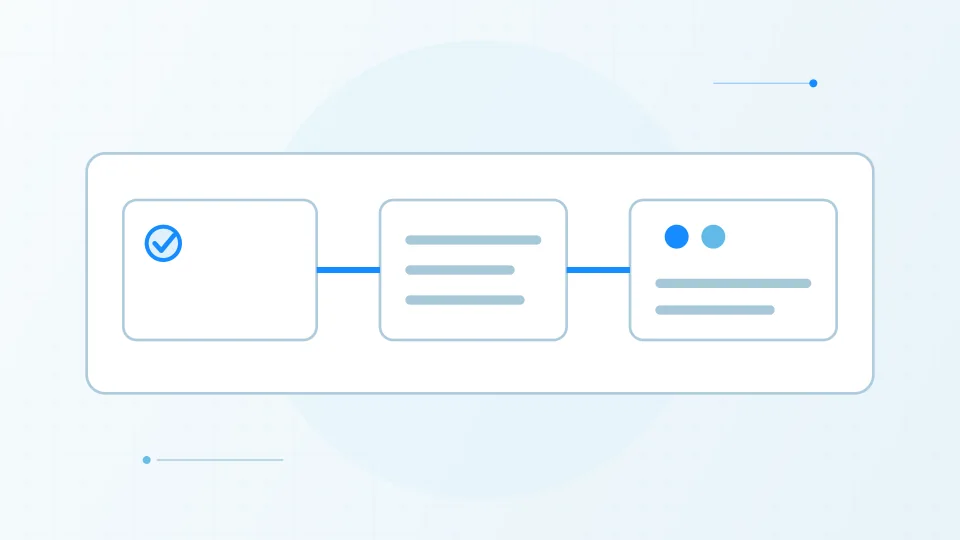
GitHub announced the new pull request Overview page as an opt-in public preview on November 5, with rollout continuing through the weekend. Its stated goal is to make blockers and next actions easier to find without scrolling through a long activity timeline. The redesigned summary brings merge status, checks, comments and approvals together near the top of the page and uses less space than the previous merge box, according to GitHub.
The overview is a navigation and presentation change, not a change to repository branch protection or required review policy. A summary can make the current state easier to scan, but teams still need to inspect the underlying checks and review threads before merging.
Filters and activity controls
The preview adds ways to filter the conversation to unresolved comments or comments written by the current user, and to sort comments newest first. A recent-activity summary is intended to help a reviewer locate review comments, requests and other updates. GitHub also says users can mark a draft ready for review or close a pull request from the header when their permissions allow those actions.
These controls address a familiar problem in large pull requests: relevant review context can be separated by many timeline events. They do not eliminate the need for a full review, and sorting newest first can hide the original context of an older discussion if the reviewer does not expand the thread. Teams should confirm that their review conventions still work with the new layout.
How to try it and return to the classic view
GitHub says users can opt in using the “Try the Overview page” control in a pull request header. During the preview, the same menu offers a way back to the classic overview. Because access is being rolled out gradually, the control may not appear for every account immediately. The feature is a public preview and GitHub explicitly describes it as an early starting point that it expects to refine from feedback.
Try the preview on a representative pull request rather than changing team-wide guidance immediately. Check merge blockers, required approvals, unresolved discussions, draft transitions and permission-dependent actions. If an important signal is harder to find, switch back and report the issue through GitHub’s feedback discussion.
Potential benefit and remaining limitations
The strongest potential benefit is reducing time spent locating the state that determines a reviewer’s next step. A concise summary may be especially useful when many checks and reviewers are involved. The benefit depends on the information being accurate, fresh and linked to the source detail; a compact view should guide inspection rather than encourage approval by glance.
This is an interface preview, so teams should expect details to change and avoid writing permanent training material around an unfinished layout. It does not replace branch protections, automated testing, code-owner requirements or human judgment. Evaluate whether the new overview improves review clarity for your repository, and keep the existing path available while the preview develops.
Sources & further reading
Have a factual correction or a source to suggest? Contact the editorial desk.