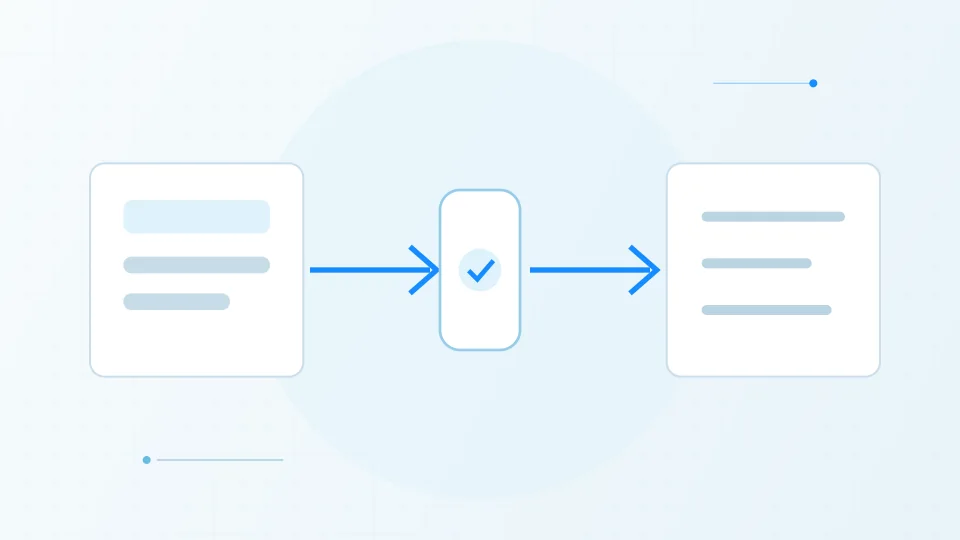

An API is a defined software interface
An application programming interface, or API, describes how one software system can request information or ask another system to perform an operation. It defines the available operations, the shape of requests and responses, and often the rules for authentication and errors. It is a contract between software components, not a magical connection between products.
A business might use an API to send a website enquiry to a CRM, retrieve delivery status from a logistics provider or connect a payment service to an online shop. The interface allows the systems to communicate without a person copying each piece of information by hand.
A typical API request and response
A simplified example: a browser asks for products, a server checks its data source, then returns structured JSON. Real systems may add authentication, validation, caching, or other services.
Browser
A person opens a product page.
GET /productsAPI
The endpoint receives and validates the request.
Application
The server applies business rules and requests the needed data.
Database
Matching product records are returned to the application.
Response
The server sends a structured result back to the browser.
200 OK · application/jsonBrowser
The page uses the response to display products.
An integration needs a mapping and an owner
Two systems may use different names, formats or definitions for the same concept. One tool may store a phone number as free text while another expects a country code; one may treat a customer as a person and another as an account. An integration must decide how those fields map and what to do when a value is missing.
It also needs a business owner who can answer what should happen when the connected process changes. APIs evolve, credentials expire, rate limits are reached and vendors retire endpoints. A connection that has no owner can quietly break after the original implementation.
Authentication and least privilege matter
Many APIs require a key or token to prove that a request is authorized. That credential should be stored securely, scoped to only the necessary operations and rotated according to the provider’s guidance. It should not be placed in public website code, shared in messages or committed to source control.
Review what the integration can read and write. If it only needs to create a lead, it should not have administrator access to every CRM object. Use separate credentials for different environments and understand how to revoke access when a project or vendor relationship ends.
Plan for errors and verify the outcome
A successful HTTP response does not always mean the business process completed correctly. The recipient may accept a request but later reject a record, or an integration may retry and create a duplicate. Check the returned status, design a safe retry strategy and keep enough logs to diagnose a failed handoff.
When evaluating an integration, ask which system is authoritative for each piece of data, how updates travel in both directions, how conflicts are resolved and who monitors errors. A clear answer to those questions is more useful than a long list of supported connectors.
Sources & further reading
Have a factual correction or a source to suggest? Contact the editorial desk.