
A shared record of customer work
Customer relationship management software, usually called a CRM, organizes information and activity around prospects and customers. Depending on the product, that may include contact details, enquiries, sales opportunities, notes, tasks, communication history and reports. The purpose is to make the relationship and next action visible to the people responsible for it.
A CRM is not automatically a sales strategy. It is a system for recording and coordinating work. If the team has not agreed what a lead means, who owns a follow-up or which information belongs in a record, software can make inconsistent habits more visible without fixing them.
How a lead moves through a CRM
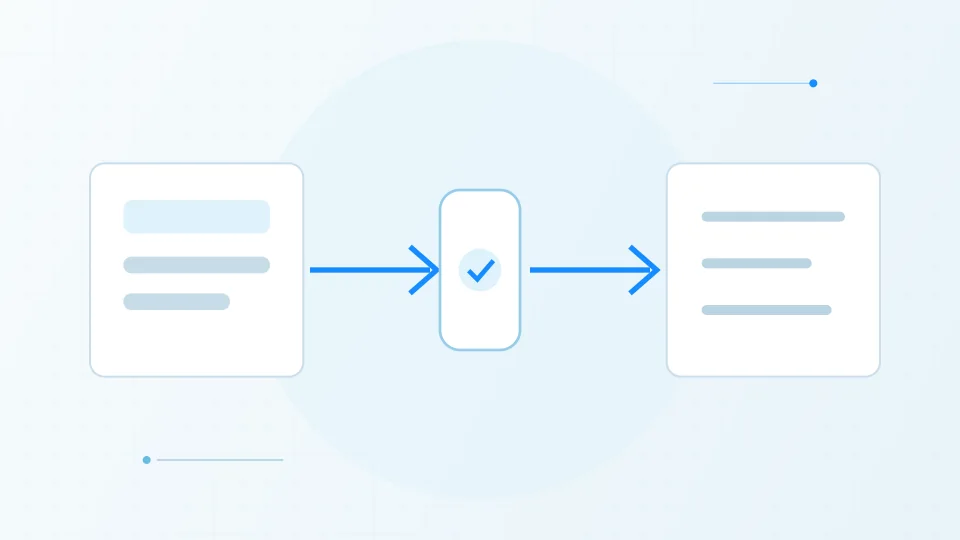
A simplified workflow using fictional example data. A CRM keeps the context and next action visible; it does not replace the judgment of the people working with the customer.
Enquiry
A visitor asks for information.
Qualification
A person checks fit, needs, and timing.
Follow-up
The next conversation or task is recorded.
Relationship
The team can see the history and current status.
Signs a business may have outgrown informal tracking
A shared spreadsheet or inbox can work while the volume is small and one person can see the full picture. Friction often appears when enquiries arrive through several channels, multiple people follow up, handovers are missed or managers cannot tell what is waiting for attention.
Other signals include duplicate customer records, unclear ownership, important context in personal inboxes and repeated manual reporting. These are questions to investigate, not proof that a particular CRM is required. Sometimes a clearer process or better use of an existing tool is enough.
Define the workflow before comparing features
Map a typical enquiry from first contact through qualification, proposal, decision and ongoing service. Decide which stages are useful, what information each one needs and what should trigger a follow-up. Keep the initial design close to how the business works today while recording changes it wants to make.
Then evaluate products against the process: permissions, import tools, integrations, reporting, mobile use, data export and recurring cost. A long feature checklist can distract from the basics. A small team usually benefits more from reliable daily use than a complicated configuration no one maintains.
Adoption and data care decide the outcome
Start with a small, representative set of records and a short pilot. Remove duplicates, decide which fields are required, test how the team handles an existing customer and measure whether follow-ups become easier to see. Train people using their actual tasks, not a tour of every screen.
Clarify who can access customer data, how long it is retained, how backups and exports work, and what the team should do when someone asks to correct or remove information. A CRM contains business records that need appropriate access and privacy practices.
Sources & further reading
Have a factual correction or a source to suggest? Contact the editorial desk.