Automate repeated steps with clear rules
CRM automation can create reminders, assign a new enquiry, update a status or notify a colleague when a known event occurs. These small actions reduce the need for people to remember every handoff. The best candidates are frequent, predictable and easy to verify.
Start with a process map. Identify the event that should trigger an action, the fields it depends on and what the team expects to happen next. A rule such as “when a new enquiry arrives, assign it to the current region owner and create a response task” is easier to test than an undefined goal to improve lead handling.
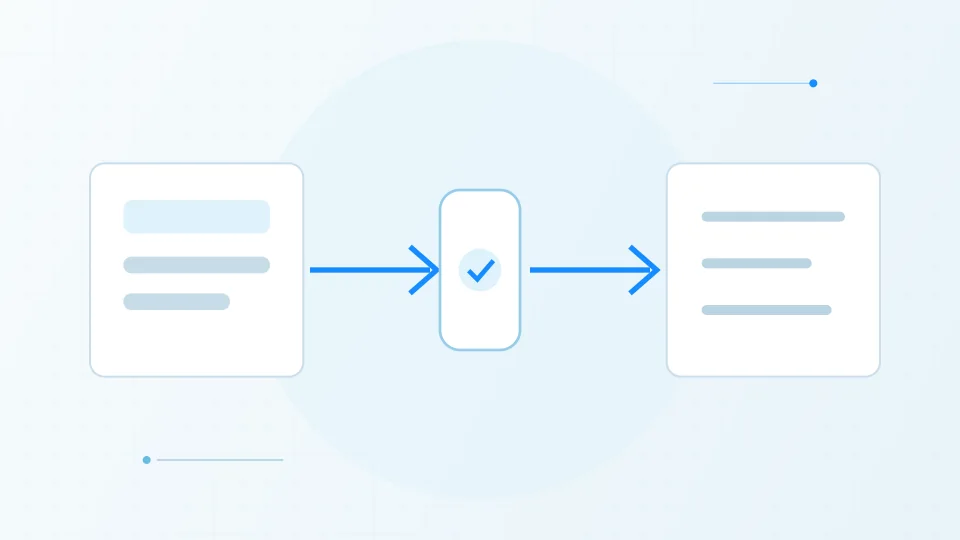
A supervised CRM automation
A simplified example: automation handles repeatable steps, while a person reviews a decision that affects the customer.
Trigger
A new enquiry arrives through a form.
Check
Required fields and a clear rule are evaluated.
Is the request complete?Branch
Complete requests continue; exceptions are flagged.
- Yes → create lead
- No → human review
CRM action
A lead is created and assigned.
Human review
A person handles context or exceptions.
Next step
A follow-up task or notification is recorded.
Keep ambiguous decisions with people
Not every customer message fits a simple rule. A cancellation request, complaint or unusual contract question may need context that a trigger cannot assess reliably. Route uncertain cases to a person and include the relevant history so the reviewer does not have to start again.
If an AI system proposes a reply or next step, show the source records and make the action editable. Sending a message, changing an opportunity value or closing a customer record should have a clear authority boundary. The system should not infer consent or approval from silence.
Design for duplicates and partial failure
Forms can be submitted twice, webhooks may retry and connected services may time out. Design a way to recognize duplicate events and avoid creating repeated tasks or customer records. Record the status of an action so a person can see whether it completed or needs attention.
For integrations that can change important data, decide how to undo or correct a mistake. A workflow should have a named owner, a visible error queue and an escalation route. Avoid rules that fail silently or send repeated notifications without helping the team resolve the underlying issue.
Measure time saved and data quality together
Track whether automation reduces missed steps and manual handling, but also monitor duplicate records, incorrect assignments and messages that need correction. A rule that saves seconds but creates unreliable data may increase the total work later.
Review the workflow after product changes, new sales processes or changes in team roles. Keep a short record of why the automation exists, who can edit it and how to disable it. This makes maintenance less dependent on the person who first configured the rule.
Sources & further reading
Have a factual correction or a source to suggest? Contact the editorial desk.